


How do I tap to pay with Vipps in shops?
Setting up tapping, iPhone and Android, and which banks work.
Short answer
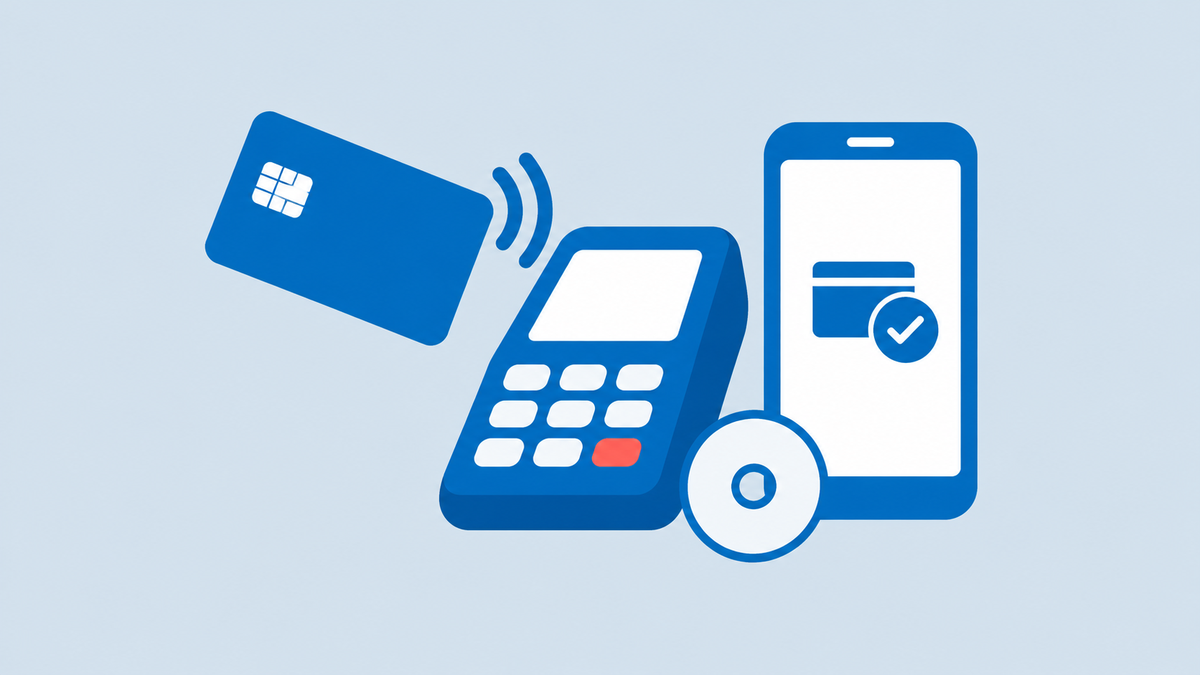
To tap with Vipps, activate tapping in the app, add a card from a supported bank and hold your unlocked phone against the shop's card terminal. On an iPhone you double-press the side button first. If you set Vipps as the default payment app, you do not have to open Vipps before you pay.
Why
- Vipps launched tapping in December 2024, first with BankAxept in Norway, and opened it for Visa and Mastercard in September 2025.
- Vipps lists more than 30 banks and card issuers that support tapping, among them the SpareBank 1 alliance, the Eika banks, DNB and Bank Norwegian.
- With superfast tapping turned on, you can hold an iPhone to the terminal and confirm the payment with Face ID.
Details
To get started, open Vipps, tap 'Aktiver nå' at the top of the screen and follow the steps. To pay without opening the app, go to Kontoer og kort in your profile and turn on superfast tapping (lynrask tæpping), which makes Vipps the phone's default payment app. Without it, you open Vipps first and then hold the phone to the terminal.
Tip
Check that your bank is on Vipps' list of banks that support tapping before you rely on it at the till.
What may differ
Older phones cannot tap with Vipps: you need iOS 17.4, Android 9 or a newer version.
People also ask
- How do I pay with Vipps in a shop?
- What is tapping with Vipps?
- How do I turn on tap to pay in Vipps?
- Can I tap with Vipps on an iPhone?
Sources
- Vipps MobilePay help: How do I get started with tapping?Checked at:
- Vipps MobilePay help: How do I tap with Vipps?Checked at:
- Vipps MobilePay help: Which banks support tapping with Vipps?Checked at:
- Vipps MobilePay help: Which operating systems does Vipps support?Checked at:
- Vipps: Vipps passes 100 million tap paymentsChecked at:
Information checked on 15 October 2026.
Digital payments in NorwayRelated questions
-
How do I find the IBAN for my Norwegian bank account?
You find the IBAN for your Norwegian account in your bank's online bank or app under the account details, and also on your account statement.
-
Why did my hotel or car rental company block money on my card in Norway?
Hotels and car rental companies reserve money on your card as security, and the reservation is released once the final amount is settled.
-
How do I pay a Norwegian invoice with a KID number from abroad?
To pay a Norwegian invoice from abroad, make an international transfer to the payee's IBAN and BIC and enter the KID number as the payment reference.
-
Do Norwegian banks charge an annual fee for debit cards?
Yes, banks such as DNB charge an annual fee for an adult debit card, currently NOK 295 a year, while cards for children and young people are free.